
Programming technique · B2.1.2
String manipulation
A string is a sequence of characters. Java provides methods for measuring, locating, extracting and creating changed text while the original String value remains immutable.
A string is a sequence of characters. Python provides functions, methods and slicing for measuring, locating, extracting and creating changed text while the original string value remains immutable.
Useful String methods
Useful string operations
substring(0, 4) includes indexes 0–3, so the result is Mira.
city[0:4] includes indexes 0–3, so the result is Mira.
| Method | Purpose | Important detail |
|---|---|---|
length() | Number of characters | The first character is still at index 0. |
charAt(index) | One character | Returns a char. |
substring(start, end) | Part of a string | Includes start but excludes end. |
indexOf(text) | First position of text | Returns -1 when not found. |
replace(old, new) | Replacement copy | Returns a new String; the original value is unchanged. |
toUpperCase() | Uppercase copy | Strings are immutable; store or use the returned value. |
| Operation | Purpose | Important detail |
|---|---|---|
len(text) | Number of characters | The first character is still at index 0. |
text[index] | One-character string | A position outside the string raises IndexError. |
text[start:end] | Part of a string | Includes start but excludes end. |
text.find(value) | First position of text | Returns -1 when not found. |
text.replace(old, new) | Replacement copy | Returns a new string; the original value is unchanged. |
text.upper() | Uppercase copy | Strings are immutable; store or use the returned value. |
Find a separator, then extract
Alter text by building a new string
Because strings are immutable in both languages, “changing a string” normally means creating a new string value from extracted pieces, concatenation or a replacement operation.
Check your understanding
Answer each question before opening the model answer.
-
For the text "Miraflores", what does the range 0 to 4 return when the end index is excluded?
Reveal model answer
Mira, because indexes 0, 1, 2 and 3 are included and index 4 is excluded.
-
What does indexOf/find returning -1 mean?
Reveal model answer
The requested substring was not found. Check that result before using it as an extraction position.
-
Does replace() modify the existing string object in place?
Reveal model answer
No. In both examples it returns a new string value; store or use that returned value.
Zero-based indexing
The first character is index 0, not index 1.
End index excluded
substring(0, 4) returns characters at indexes 0, 1, 2 and 3.
End index excluded
text[0:4] returns characters at indexes 0, 1, 2 and 3.
Check before extracting
A missing separator or an invalid character position can make the result wrong or cause a runtime error.
Challenges Choose one
Choose a challenge that feels appropriate for you. Code heat is only a rough estimate, not a fixed level.
Initial and Surname
SelectedAsk the user for a forename and surname. Output the first initial followed by the surname in uppercase. For example, ben white should become B WHITE.
Airline Ticket Code
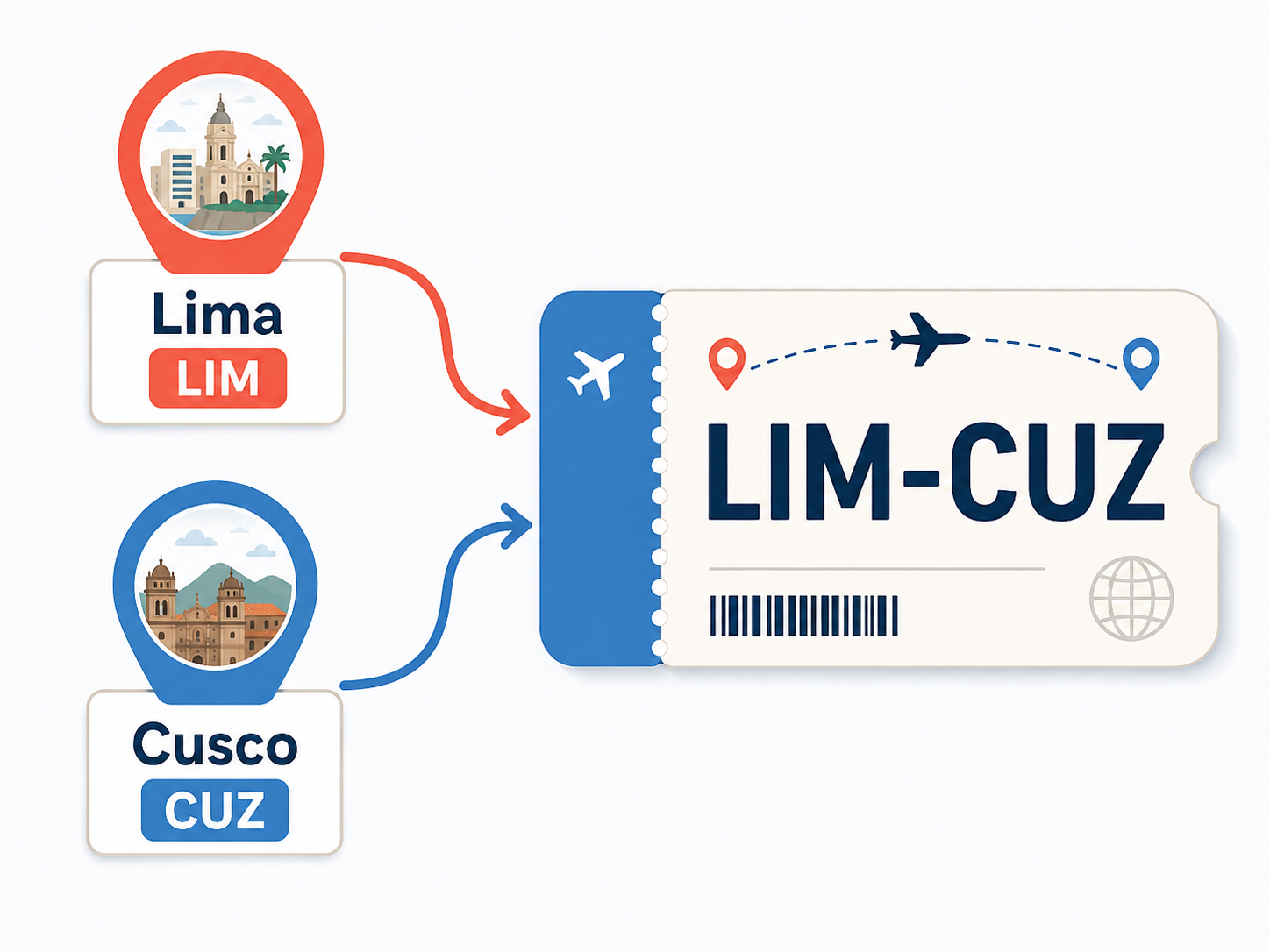
SelectedAsk the user for two city names. Output the first four characters of each city in uppercase, separated by a dash. For example, London and Madrid should produce LOND-MADR. State what your program expects if a city name contains fewer than four characters.
Name Separator
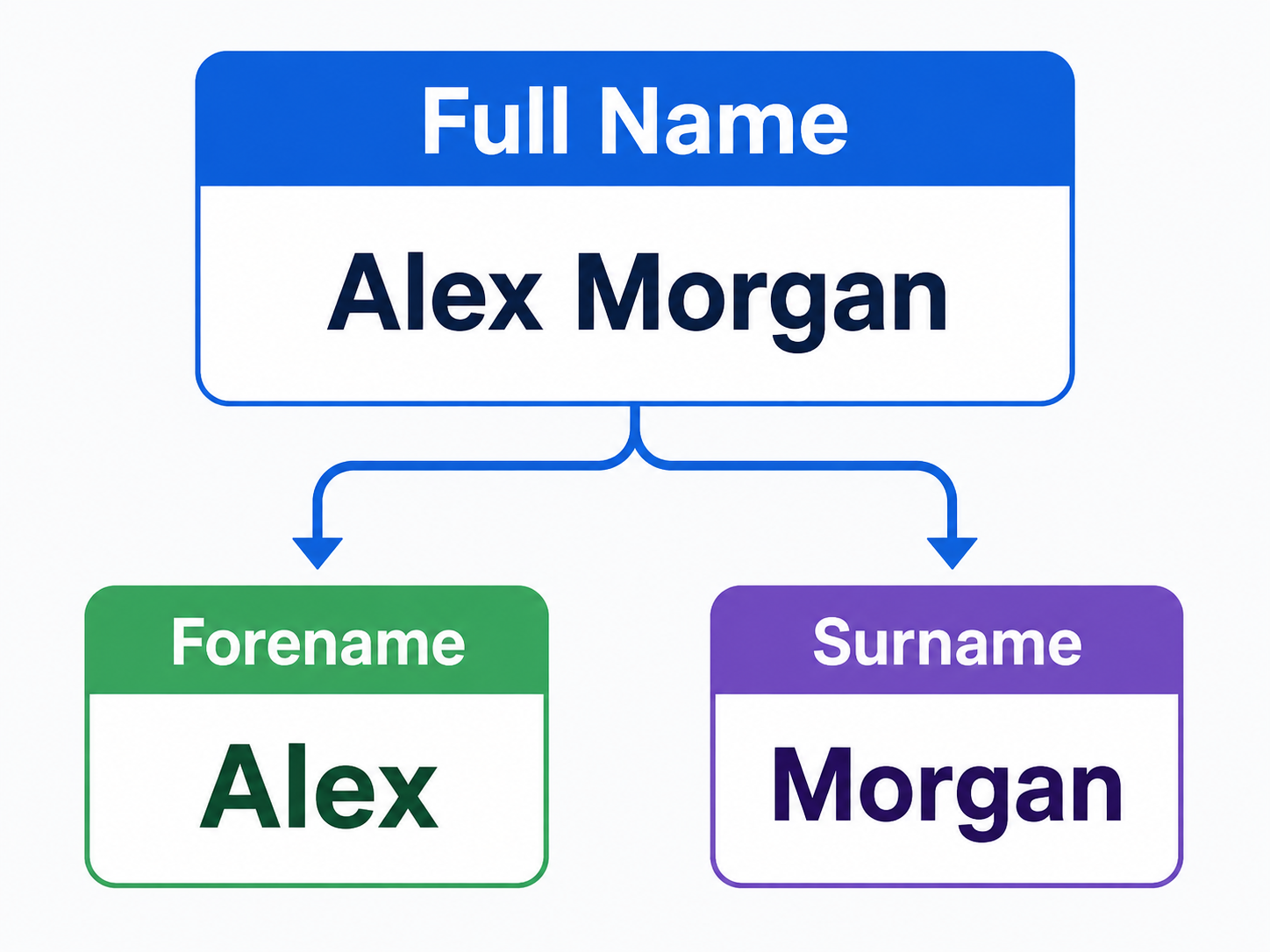
SelectedAsk the user to enter a forename and surname on one line. Find the space and extract the two names into separate variables. Output each part with a clear label.
Word Extractor
SelectedStore the sentence "Quick brown fox jumps over the lazy dog." Ask the user which word should be removed. Find the word, rebuild the sentence using substring extraction and concatenation, and output the revised sentence. Your program should respond clearly when the word is not present.
Selected challenge
Write your first version by hand
Before opening your IDE, write your first attempt at this program on paper using Java. It does not need to be perfect.
TASK_CODE
Not marked complete. Mark it complete when your handwritten code is ready.
Open the challenge
Code Companion Local creates the starter file in the exact managed challenge folder and opens it in your preferred IDE. You do not need to create folders, files or run terminal commands.
Mark your handwritten code complete first.
If you are simply browsing the public course and are not using a class, complete the challenge in any editor you like. Code Companion Local is only needed for the connected classroom workflow.
Complete the challenge
Use your handwritten code as the starting point, then write and test your solution in the challenge workspace. Code Companion Local will ask you to compare the two versions before you submit.
Optional two-level scaffold
Try from your handwritten pseudocode first. Scaffold gives some structure; Scaffold + comments gives stronger guidance. Use only the level you need, and update your pseudocode first if the support changes your plan.