
Programming technique
Sequence and output
A program normally executes statements from top to bottom. Changing the order can change the result, even when every individual statement is valid.
Output one line at a time
System.out.println() displays a value and then moves to a new line. The statements below produce three lines in exactly the order written.
print() displays a value and then moves to a new line. The statements below produce three lines in exactly the order written.
System ready
Temperature: 21 C
Doors locked
Continue on the same line
System.out.print() does not move to a new line. It is useful when several statements contribute to one line of output.
By default, print() ends with a newline. Set end="" when several statements should contribute to the same line.
Loading... completeComments
Java uses // for a single-line comment. A useful comment explains a purpose, decision or section of the program. Avoid comments that merely repeat obvious syntax.
Python uses # for a single-line comment. A useful comment explains a purpose, decision or section of the program. Avoid comments that merely repeat obvious syntax.
Order matters
Read the program from top to bottom and predict every line of output before running it.
Exact text matters
Capital letters, punctuation and spaces inside quotation marks all form part of the output.
Semicolons matter
Each Java statement ends with a semicolon.
Line structure matters
Python normally places one statement on each line and does not require a semicolon.
Challenges Choose one
Choose a challenge that feels appropriate for you. Code heat is only a rough estimate, not a fixed level.
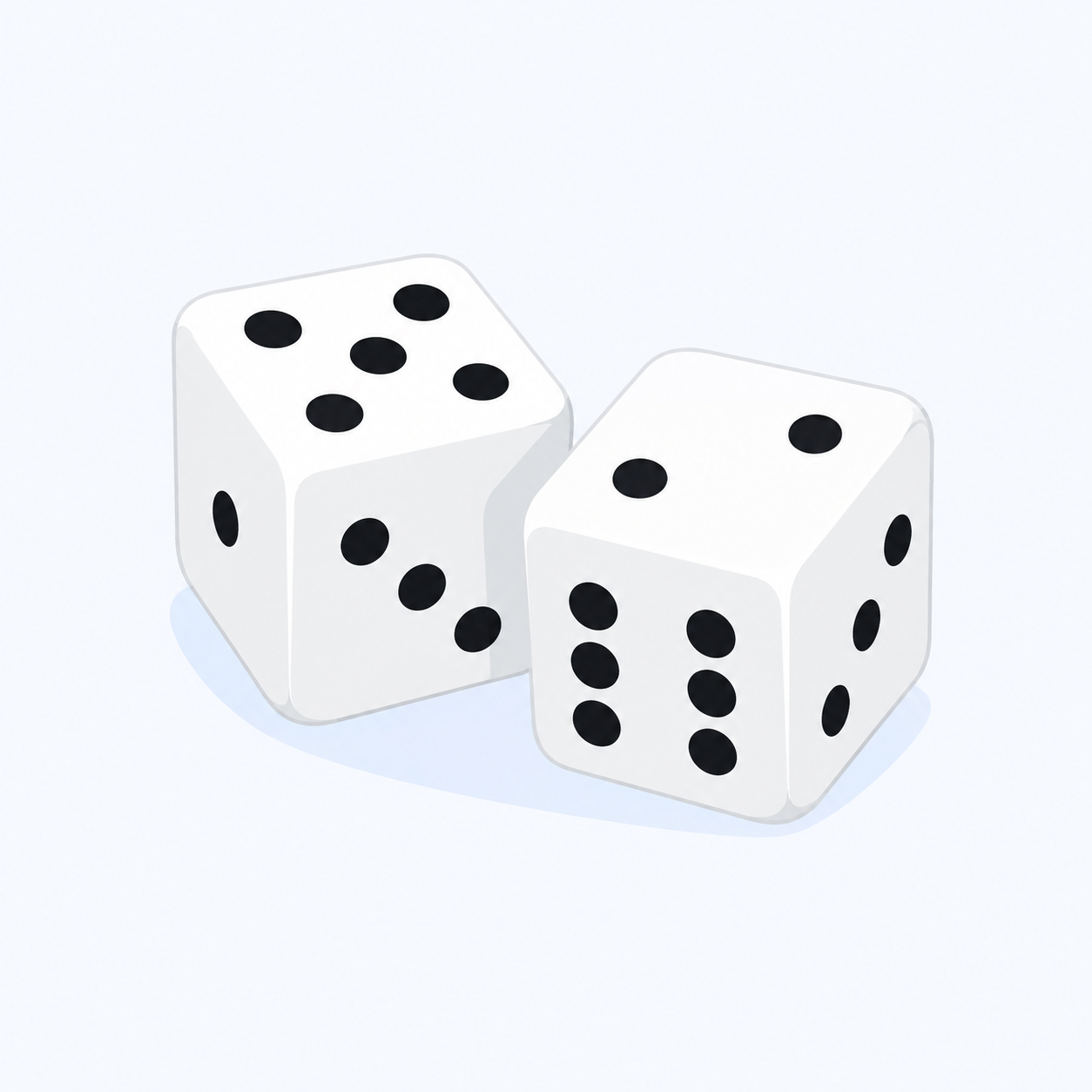
Visual Dice
SelectedWrite a program that outputs a large number 5 as the face of a die. Use only text characters and make the border and spots line up clearly.
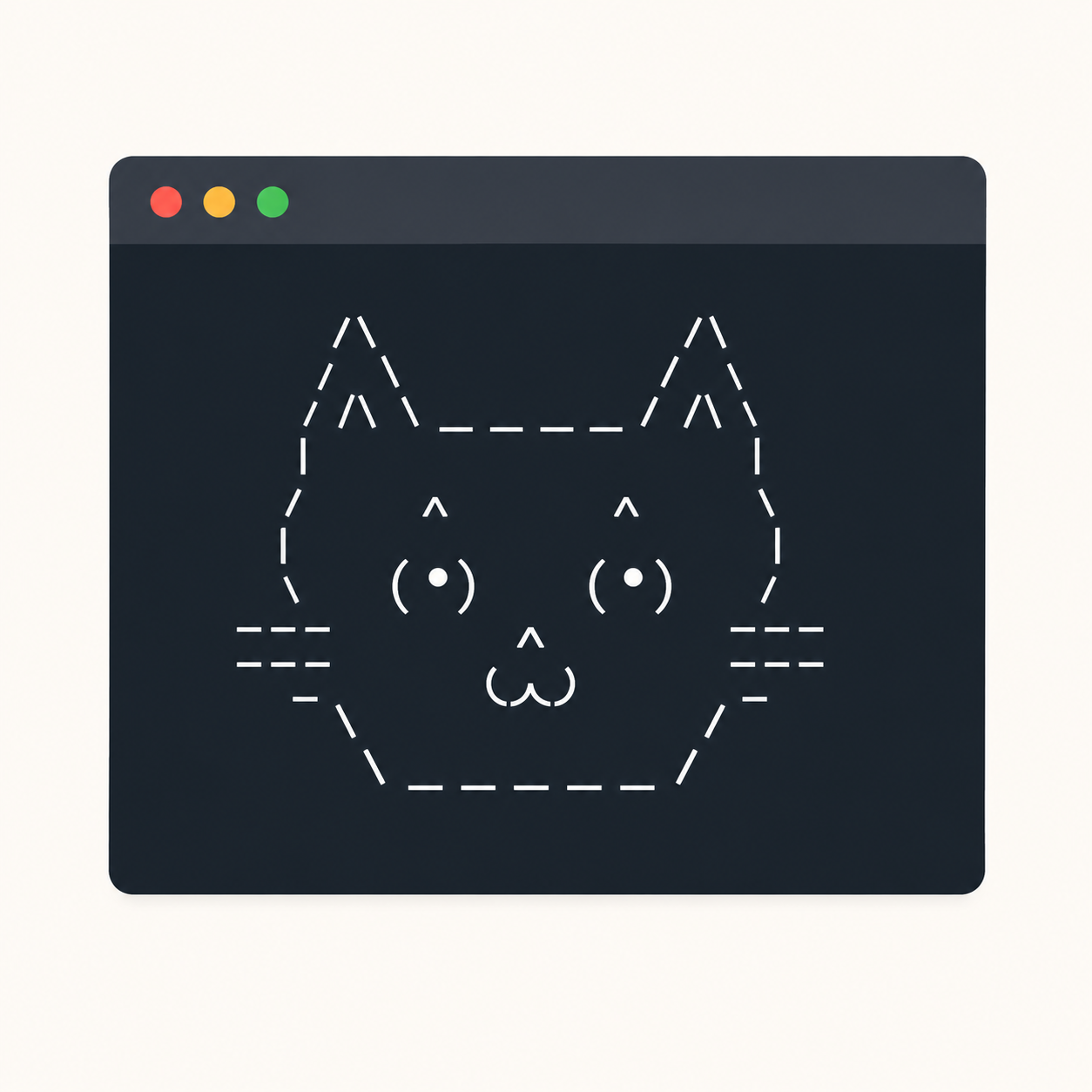
ASCII Name
SelectedWrite a program that outputs your name as ASCII art. Plan the final picture first, then reproduce it using a sequence of print statements.
Console Profile Card
SelectedCreate a neatly aligned console profile card containing a name, favourite subject, current project and one-line motto. Include a border and purposeful comments that explain sections rather than obvious individual lines.
Console Poster
SelectedDesign a detailed console poster for an event, game or club. It must use at least 15 output statements, preserve exact spacing and order, and include a short test checklist describing what the finished output should look like.
Selected challenge
Write your first version by hand
Before opening your IDE, write your first attempt at this program on paper using Java. It does not need to be perfect.
TASK_CODE
Not marked complete. Mark it complete when your handwritten code is ready.
Open the challenge
Code Companion Local creates the starter file in the exact managed challenge folder and opens it in your preferred IDE. You do not need to create folders, files or run terminal commands.
Mark your handwritten code complete first.
If you are simply browsing the public course and are not using a class, complete the challenge in any editor you like. Code Companion Local is only needed for the connected classroom workflow.
Complete the challenge
Use your handwritten code as the starting point, then write and test your solution in the challenge workspace. Code Companion Local will ask you to compare the two versions before you submit.
Optional two-level scaffold
Try from your handwritten pseudocode first. Scaffold gives some structure; Scaffold + comments gives stronger guidance. Use only the level you need, and update your pseudocode first if the support changes your plan.