
Programming technique
Arithmetic, random numbers and conversion
Arithmetic expressions transform data. Random generation creates varied outcomes, while type conversion changes how a value is stored or interpreted.
Arithmetic operators
| Operator | Purpose | Example |
|---|---|---|
+ | Addition | price + tax |
- | Subtraction | balance - withdrawal |
* | Multiplication | hours * rate |
/ | Division | total / count |
% | Remainder | number % 2 |
| Operator | Purpose | Example |
|---|---|---|
+ | Addition | price + tax |
- | Subtraction | balance - withdrawal |
* | Multiplication | hours * rate |
/ | Decimal division | total / count |
// | Floor division | total // count |
% | Remainder | number % 2 |
Generate a random integer inside a range
Math.random() produces a decimal from 0.0 up to, but not including, 1.0. Multiply by the number of possible values, convert to an integer, then add the first value in the required range.
Import random and use random.randint(low, high) when both endpoints should be possible.
Math.random()
Produces a decimal from 0.0 up to, but not including, 1.0.
* lockerCount
With 50 lockers, stretches the possible integer part to 0 through 49.
(int) ... + firstLocker
Removes the decimal part, then shifts the final values to 200 through 249.
import random
Makes Python's random-number functions available.
randint(200, 249)
Can return both endpoints plus every integer between them.
Test the endpoints
Run the program repeatedly and check that every result stays inside the intended range.
Convert between types
Casting a decimal to an integer removes the fractional part; it does not round. Use Math.round() when rounding is the intended operation.
int() removes the fractional part of a positive decimal; it does not round. Use round() when rounding is the intended operation.
Use brackets
Make the intended order of operations clear rather than relying on memory.
Watch integer division
When both operands are integers, Java produces an integer result.
Choose the division operator
/ produces a decimal result; // deliberately performs floor division.
Define the random range
Write down the smallest and largest possible value before testing the code.
Challenges Choose one
Choose a challenge that feels appropriate for you. Code heat is only a rough estimate, not a fixed level.
RPG Dice
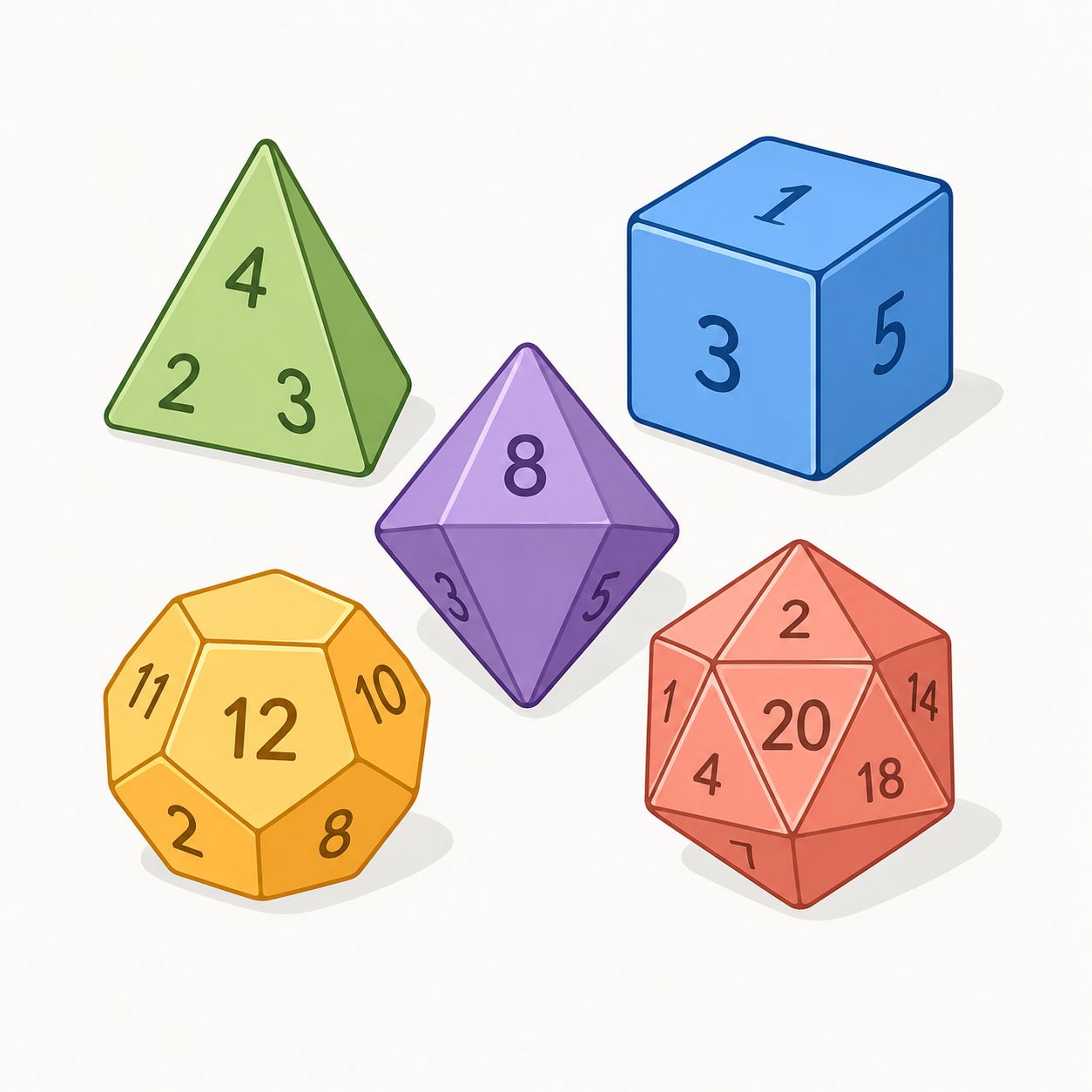
SelectedAsk the user how many sides a die has. Generate and output a random whole number from 1 up to that number of sides. Test common RPG dice such as 4, 6, 8, 12 and 20 sides.
Exactly Divisible
SelectedAsk the user for two integers. Output whether the first number is exactly divisible by the second. When it is not, output the remainder. Prevent division by zero with a clear error message.
Month and Leap Year
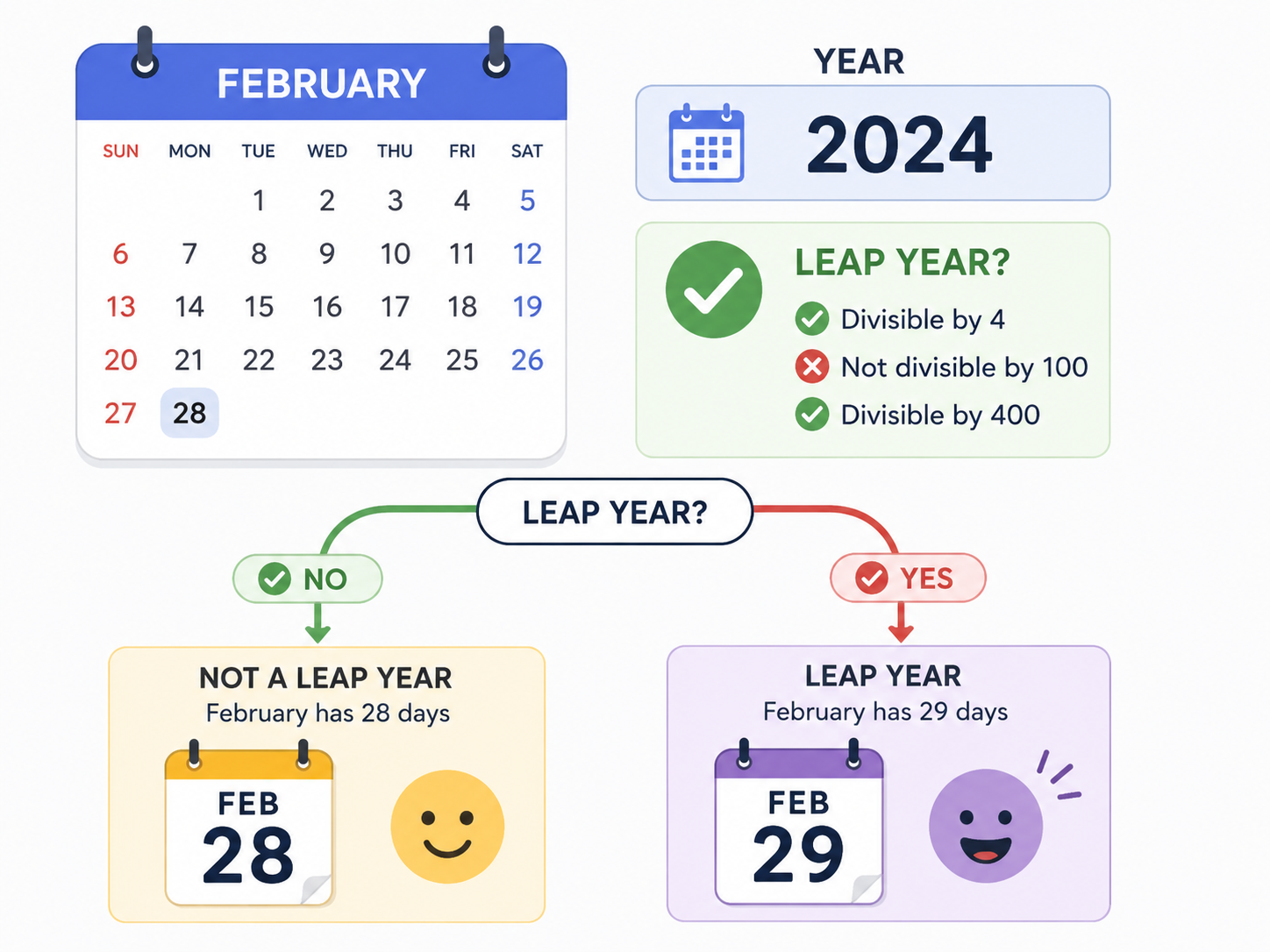
SelectedAsk for a month number from 1 to 12 and a year. Output the month name and number of days. February has 29 days in a leap year. Use the full leap-year rule: divisible by 400, or divisible by 4 but not by 100.
Balanced Dice Game
SelectedDesign a short dice game that uses at least two random values, arithmetic scoring and at least one special outcome. Explain the probability of each special outcome and run enough test games to decide whether the scoring appears balanced.
Selected challenge
Write your first version by hand
Before opening your IDE, write your first attempt at this program on paper using Java. It does not need to be perfect.
TASK_CODE
Not marked complete. Mark it complete when your handwritten code is ready.
Open the challenge
Code Companion Local creates the starter file in the exact managed challenge folder and opens it in your preferred IDE. You do not need to create folders, files or run terminal commands.
Mark your handwritten code complete first.
If you are simply browsing the public course and are not using a class, complete the challenge in any editor you like. Code Companion Local is only needed for the connected classroom workflow.
Complete the challenge
Use your handwritten code as the starting point, then write and test your solution in the challenge workspace. Code Companion Local will ask you to compare the two versions before you submit.
Optional two-level scaffold
Try from your handwritten pseudocode first. Scaffold gives some structure; Scaffold + comments gives stronger guidance. Use only the level you need, and update your pseudocode first if the support changes your plan.