
Programming technique · B2.2.4
Queues
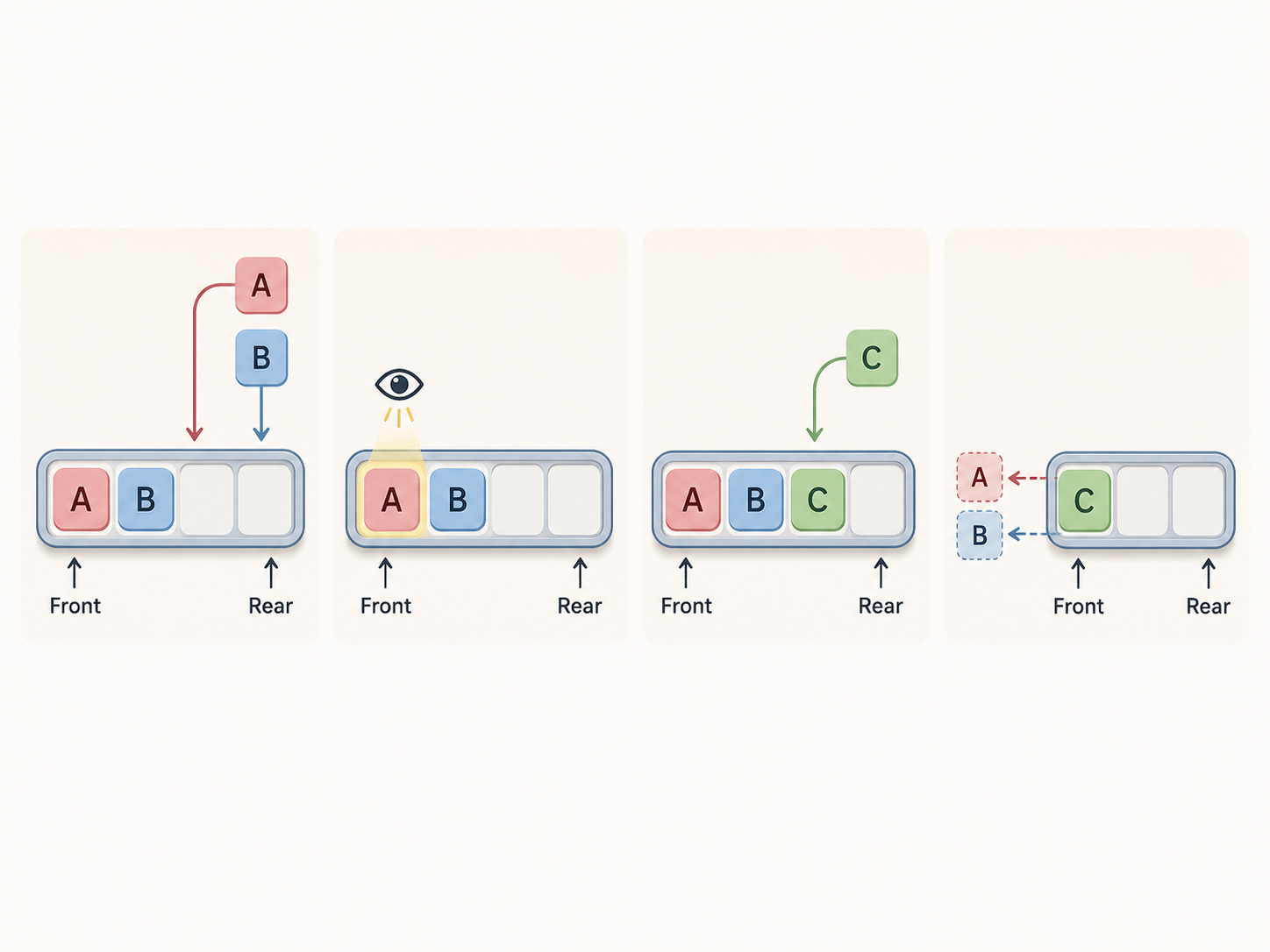
A queue adds new items at the rear and handles existing items from the front. This preserves arrival order: the first item added is the first item available for removal.
The four required operations
enqueue
Add one item at the rear.
dequeue
Remove and return the front item.
front
Return the front item without removing it.
isEmpty
Check whether a front item exists.
Using Java's supplied queue operations
Java can represent a queue with the Queue interface backed by ArrayDeque. Here, offer, poll and peek correspond to enqueue, dequeue and front.
Using collections.deque as a queue
Python's collections.deque supports efficient operations at both ends. Use append() at the rear, popleft() at the front, and queue[0] to inspect the front.
| Abstract operation | Java call | Returned value | Queue after operation, front first | Stored count |
|---|---|---|---|---|
| enqueue Poster | offer() | true | Poster | 1 |
| enqueue Map | offer() | true | Poster, Map | 2 |
| front | peek() | Poster | Poster, Map | 2 |
| dequeue | poll() | Poster | Map | 1 |
| isEmpty | isEmpty() | false | Map | 1 |
| Abstract operation | Python call | Returned value | Queue after operation, front first | Stored count |
|---|---|---|---|---|
| enqueue Poster | append() | — | Poster | 1 |
| enqueue Map | append() | — | Poster, Map | 2 |
| front | queue[0] | Poster | Poster, Map | 2 |
| dequeue | popleft() | Poster | Map | 1 |
| isEmpty | len(queue) == 0 | False | Map | 1 |
Performance and memory, explained qualitatively
Use the two queue ends
Normal queue processing adds at the rear and removes at the front. Arbitrary middle removal is not the queue abstraction.
Stored memory changes
enqueue stores one more item and dequeue stores one fewer. front and isEmpty do not change the count.
Check before removal
An empty queue has no front item. Check first rather than removing or indexing a value that does not exist.
Challenges Choose one
Choose a challenge that feels appropriate for you. Code heat is only a rough estimate, not a fixed level.
Queue Operation Trace
SelectedCollect the queue tracing sheet from the front of the class. Before running the supplied Java program, trace every operation by hand. Record the returned value, queue state from front to rear and stored-item count after each step. Hand the completed tracing sheet to your teacher, then run the program and correct any mistakes in a different colour. Explain why front leaves the queue unchanged. Do not implement a custom queue.
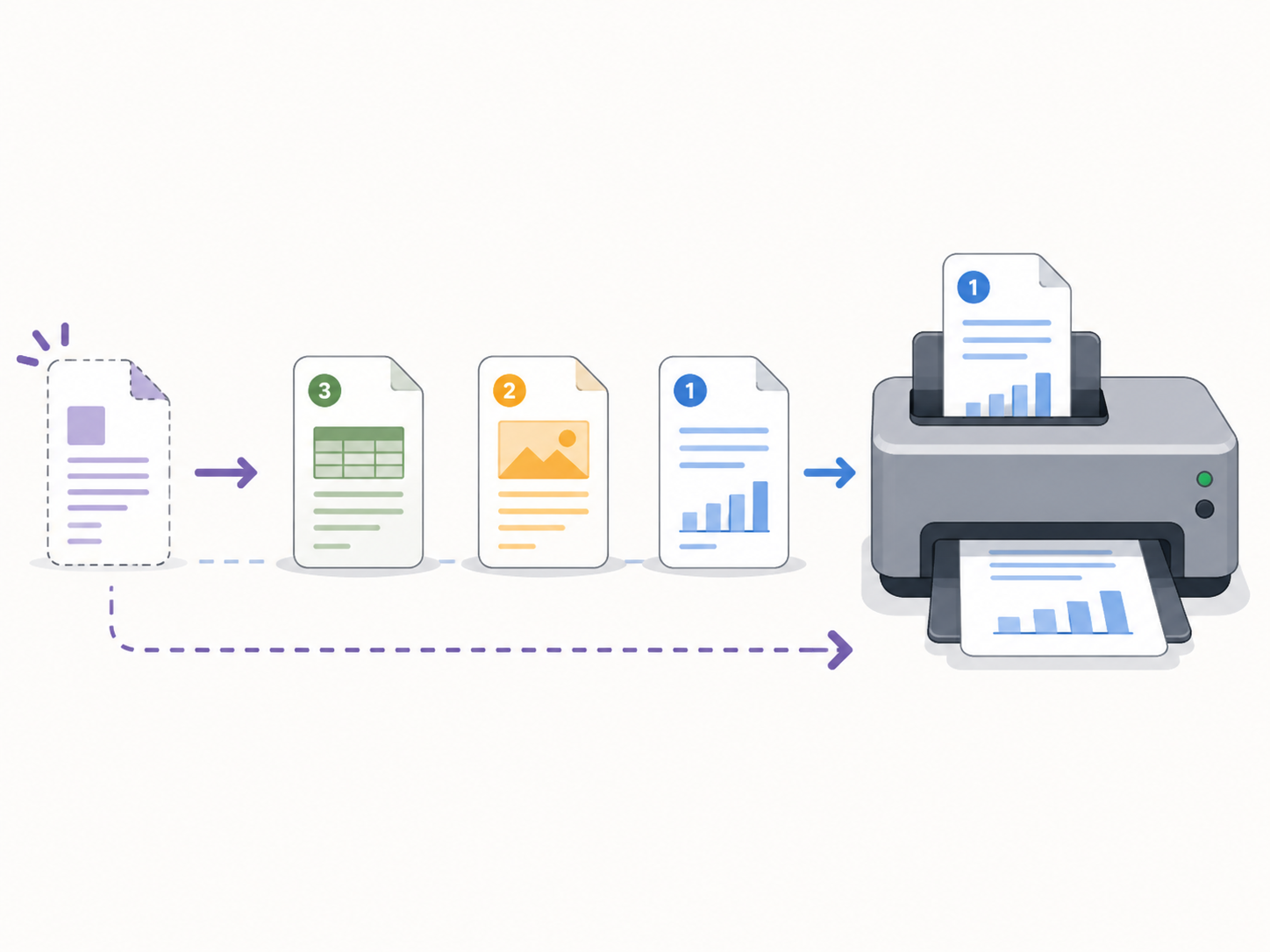
Print Queue
SelectedUse a Queue<String> for print-job names. Provide options to add a job at the rear, view the next job, print and remove the front job, and report when no jobs remain. Keep queue operations in clear methods and explain why first in, first out preserves ordinary arrival order. Do not add priority processing.
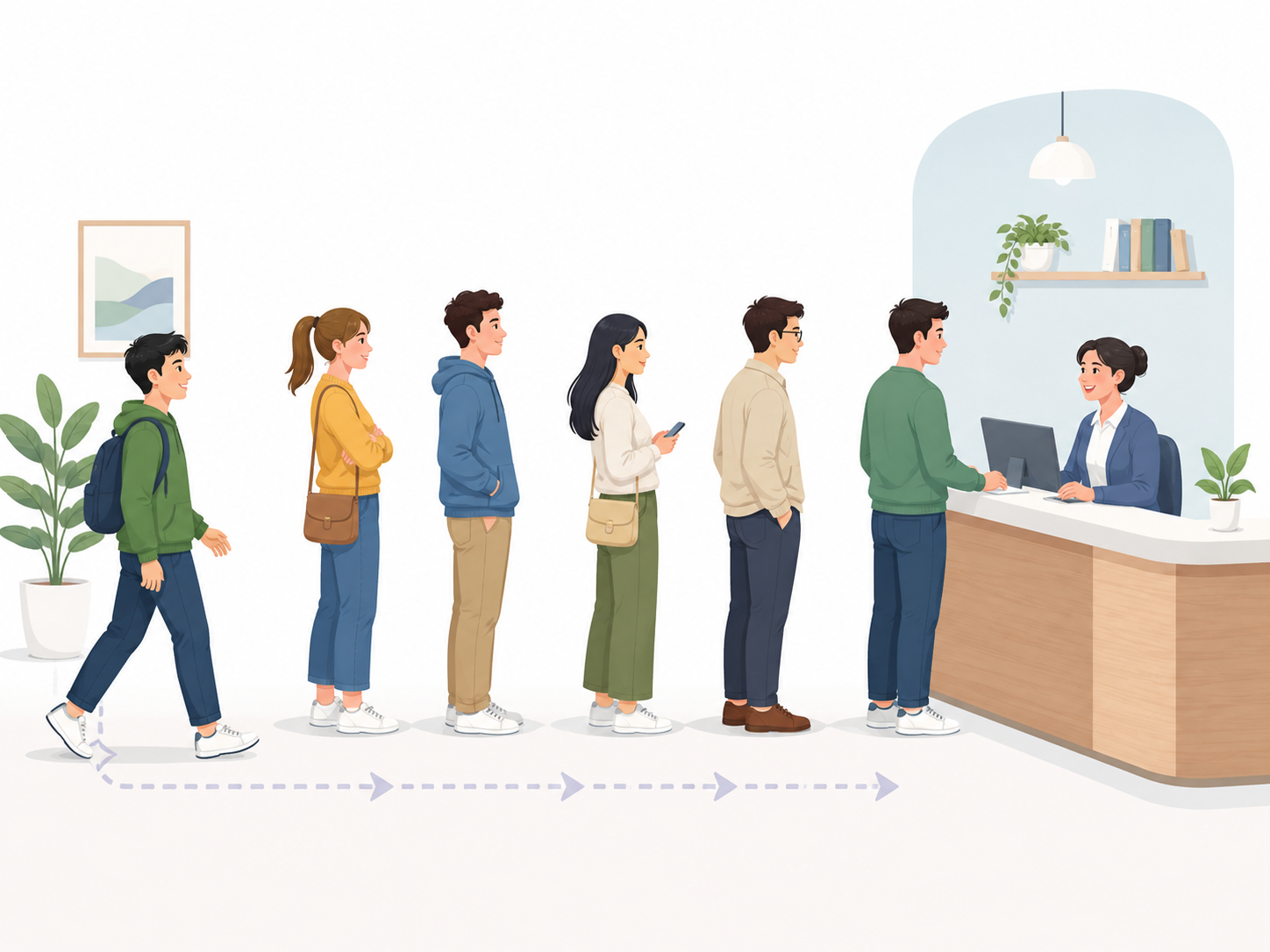
Customer Service Queue
SelectedUse a queue to store customer names in arrival order. Allow customers to join, show who is next and serve the front customer. Track how many customers have been served and prevent removal from an empty queue. Include a short explanation of why a normal first in, first out queue is fair for this scenario.
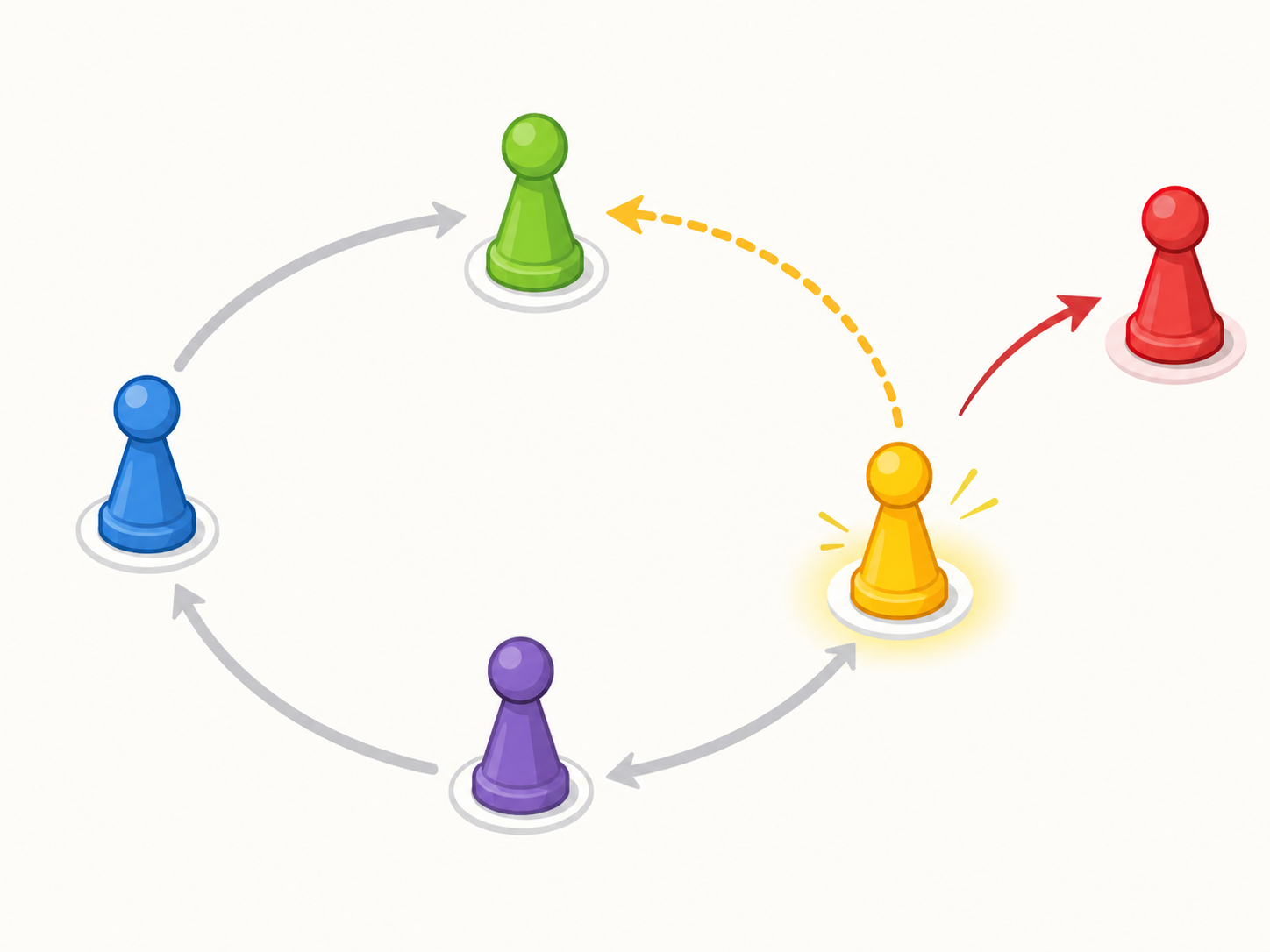
Round-Robin Turn Queue
SelectedUse a queue of player names to manage repeated turns. Remove the player at the front, run one turn, then add that player to the rear when they remain active. Remove eliminated players permanently. Demonstrate several complete rotations and explain how dequeue followed by enqueue preserves the turn order.
Selected challenge
Write your first version by hand
Before opening your IDE, write your first attempt at this program on paper using Java. It does not need to be perfect.
TASK_CODE
Not marked complete. Mark it complete when your handwritten code is ready.
Open the challenge
Code Companion Local creates the starter file in the exact managed challenge folder and opens it in your preferred IDE. You do not need to create folders, files or run terminal commands.
Mark your handwritten code complete first.
If you are simply browsing the public course and are not using a class, complete the challenge in any editor you like. Code Companion Local is only needed for the connected classroom workflow.
Complete the challenge
Use your handwritten code as the starting point, then write and test your solution in the challenge workspace. Code Companion Local will ask you to compare the two versions before you submit.
Optional two-level scaffold
Try from your handwritten pseudocode first. Scaffold gives some structure; Scaffold + comments gives stronger guidance. Use only the level you need, and update your pseudocode first if the support changes your plan.