
Programming technique · B2.3.2
Selection
Selection allows a program to choose which instructions to execute. Each decision is controlled by a condition that evaluates to either true or false.
Using an if statement
Use if when an action should happen only when a condition is true.
Choosing between alternatives
Add else when exactly one of two paths should run. Use an ordered else if chain when several mutually exclusive ranges or cases are possible.
Add else when exactly one of two paths should run. Use an ordered elif chain when several mutually exclusive ranges or cases are possible.
Only one branch runs. After that branch finishes, both paths rejoin and the program continues.
Relational operators build conditions
| Operator | Meaning | Example |
|---|---|---|
< | less than | temperature < 0 |
<= | less than or equal to | battery <= 100 |
> | greater than | balance > 0 |
>= | greater than or equal to | battery >= 80 |
== | equal to | choice == 3 |
!= | not equal to | choice != 0 |
Combine conditions when one comparison is not enough
| Operator | Meaning | Example |
|---|---|---|
&& | Both conditions must be true | temperature >= 18 && temperature <= 24 |
|| | At least one condition must be true | day == 6 || day == 7 |
! | Reverses a Boolean value | !isLoggedIn |
| Operator | Meaning | Example |
|---|---|---|
and | Both conditions must be true | temperature >= 18 and temperature <= 24 |
or | At least one condition must be true | day == 6 or day == 7 |
not | Reverses a Boolean value | not is_logged_in |
Check your understanding
Answer each question before opening the model answer.
-
For battery = 62, which branch of the worked example runs?
Reveal model answer
The battery is not at least 80, but it is at least 30, so the second branch outputs Medium.
-
Why must battery >= 80 appear before battery >= 30?
Reveal model answer
A value such as 90 satisfies both tests. If the broader lower threshold came first, it would capture values that should reach the High category.
-
Which condition accepts temperatures from 18 through 24 inclusive?
Reveal model answer
Java: temperature >= 18 && temperature <= 24. Python: temperature >= 18 and temperature <= 24.
-
What is the difference between = and ==?
Reveal model answer
= assigns a value; == compares two values for equality.
Common mistakes
Assignment instead of comparison
Use == to compare values. A single = assigns a value.
String comparison
Use name.equals("Alex"), not name == "Alex".
String comparison
Use name == "Alex" to compare string values.
Wrong branch order
Test the most restrictive or highest range first when earlier branches could capture later cases.
Challenges Choose one
Choose a challenge that feels appropriate for you. Code heat is only a rough estimate, not a fixed level.
Under Age
SelectedAsk the user for their age. Display one message when the user is under 18 and a different message when they are 18 or older.
Vocational Grade
SelectedAsk the user for a mark from 0 to 100. Output Distinction for 80–100, Merit for 60–79, Pass for 40–59 and Fail for 0–39 using an ordered if / else-if chain. Reject marks outside the valid range and make each grade boundary clear in your code.
Train Ticket
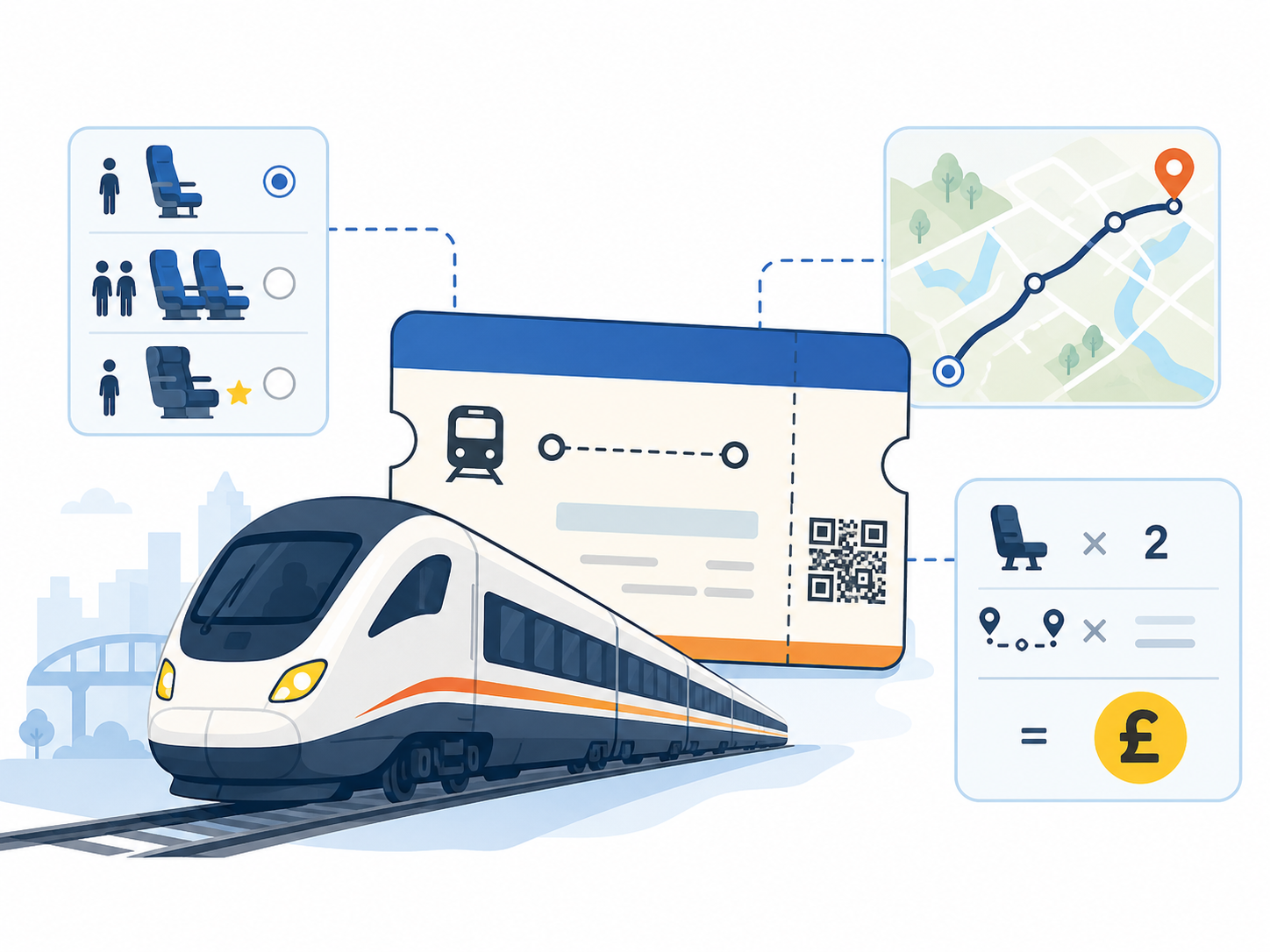
SelectedA train fare costs £20 per station for each adult and half price for each child. During the peak period from 06:00 up to but not including 09:00, add one £5 surcharge per station to the journey total (not per passenger). Ask for the number of stations, adults, children and hour of travel, then output the complete fare. Test peak and off-peak journeys.
Hours Worked
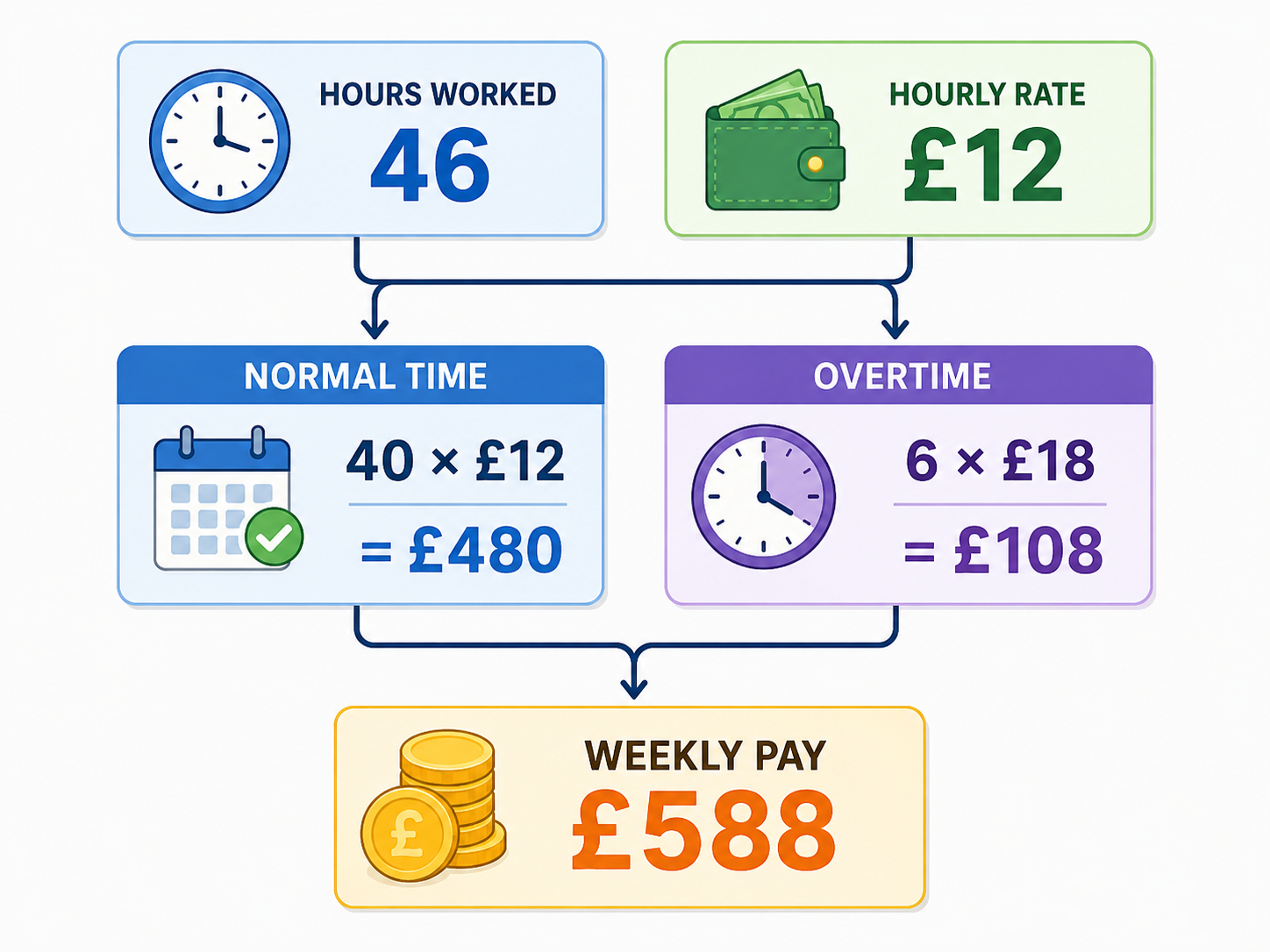
SelectedAsk for the number of hours worked this week and the hourly rate. Calculate gross pay, paying hours above 40 at 1.5 times the normal rate. Display an error when hours are outside the range 0 to 60. Test the lower boundary, exactly 40 hours, overtime and an invalid value.
Selected challenge
Write your first version by hand
Before opening your IDE, write your first attempt at this program on paper using Java. It does not need to be perfect.
TASK_CODE
Not marked complete. Mark it complete when your handwritten code is ready.
Open the challenge
Code Companion Local creates the starter file in the exact managed challenge folder and opens it in your preferred IDE. You do not need to create folders, files or run terminal commands.
Mark your handwritten code complete first.
If you are simply browsing the public course and are not using a class, complete the challenge in any editor you like. Code Companion Local is only needed for the connected classroom workflow.
Complete the challenge
Use your handwritten code as the starting point, then write and test your solution in the challenge workspace. Code Companion Local will ask you to compare the two versions before you submit.
Optional two-level scaffold
Try from your handwritten pseudocode first. Scaffold gives some structure; Scaffold + comments gives stronger guidance. Use only the level you need, and update your pseudocode first if the support changes your plan.