
Programming technique · B2.3.3
Conditional loops
A conditional loop repeats while a Boolean condition remains true. It is useful when the number of repetitions is not known in advance.
Choose the loop from what you know before it starts
| Question | Counted loop | Conditional loop |
|---|---|---|
| Do you know the number of repetitions in advance? | Usually yes | Usually no |
| Typical control | Counter or generated range | Boolean/relational condition that changes during execution |
| Example | Display 12 times-table rows | Keep checking until a future value satisfies the exit condition |
Pre-condition loop: while
A while loop checks its condition before each repetition. It may execute zero times.
The status is read again during repetition. The loop exits only when the new value satisfies the exit condition.
Selection can happen inside repetition
The loop condition decides whether another repetition occurs. A separate if or branch inside the loop can decide what happens during that repetition.
Design the exit condition first
Before writing the loop, state exactly what must become true or false for repetition to stop. Then ensure something inside the loop can change that condition.
Check your understanding
Answer each question before opening the model answer.
-
You must print exactly 20 square numbers. Which loop type is the natural choice?
Reveal model answer
A counted loop, because the number of repetitions is known before the loop begins.
-
You must process readings until a sentinel value arrives. Which loop type is the natural choice?
Reveal model answer
A conditional loop, because the number of readings is not known before the loop begins.
-
What creates an infinite-loop risk in the ready-status example?
Reveal model answer
If status is never read or changed inside the loop, the condition can remain true forever.
-
In the temperature example, what does the if/elif or if/else-if structure do?
Reveal model answer
It classifies each reading during a repetition; the while condition separately decides whether another reading should be processed.
Optional Java pattern: do while
Java also has do while, which executes the body before testing the condition, so it always runs at least once. It is useful when the first attempt must happen before the exit test.
Equivalent Python behaviour
Python has no dedicated do while statement. When the body must run before an exit test, a common pattern is while True followed by a deliberate break after the accepted condition is reached.
Unknown repetitions
Use a conditional loop when input, a score or another changing condition decides when to stop.
Update the condition
If nothing can change the loop condition, the program may repeat forever.
Use AND and OR carefully
Write test values that make each part of && and || conditions true and false.
Use and / or carefully
Write test values that make each part of combined and and or conditions true and false.
Challenges Choose one
Choose a challenge that feels appropriate for you. Code heat is only a rough estimate, not a fixed level.
Guess the Number
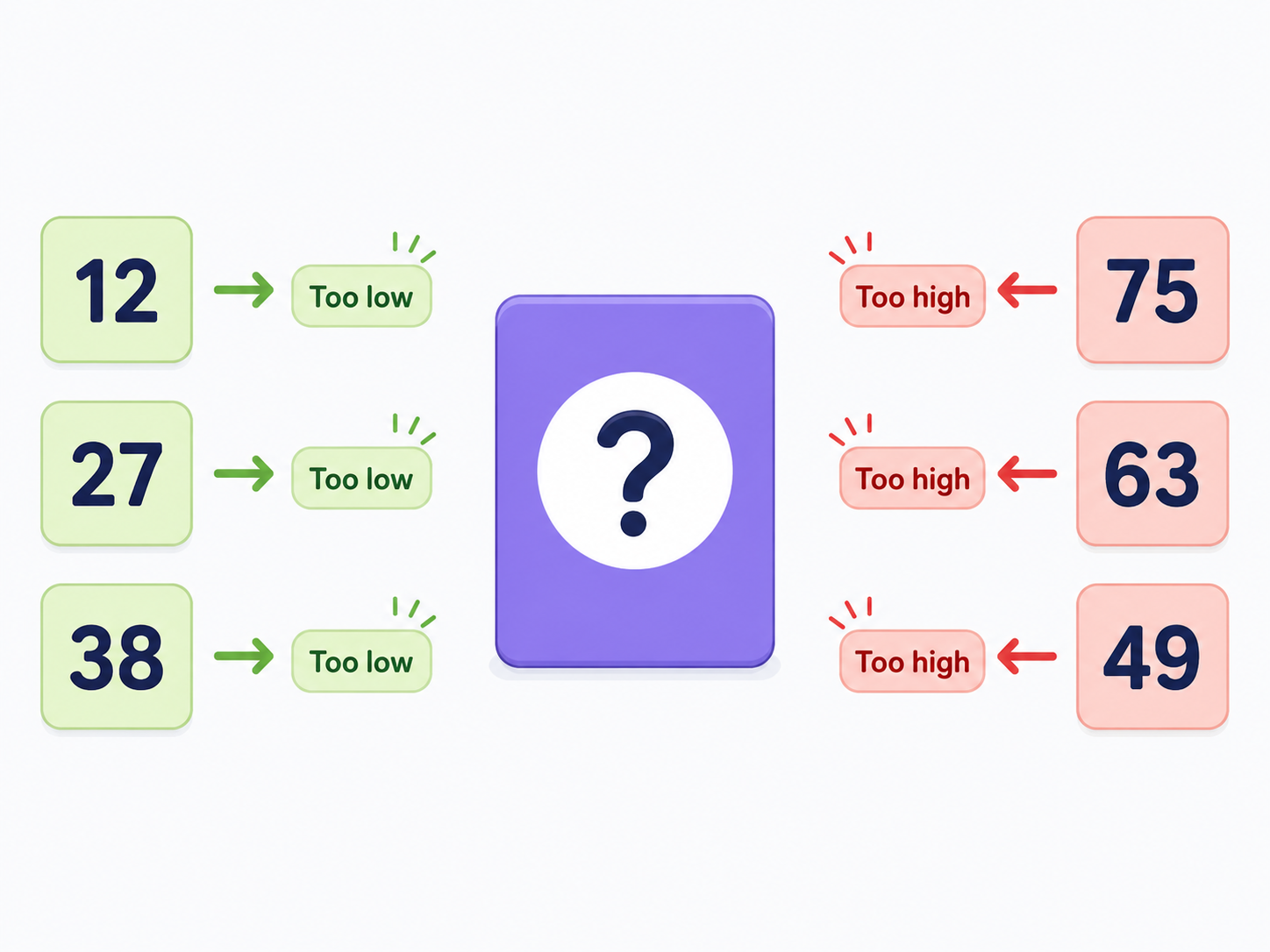
SelectedGenerate a random number from 1 to 100. Keep asking the player to guess until the number is correct. After each incorrect guess, say whether it was too high or too low. Report the number of guesses at the end.
Gamertag Validator
SelectedKeep asking for a gamertag until it is valid. It must contain between 4 and 15 characters, contain no spaces and begin with a letter. Explain every failed rule before asking again.
Rock Paper Scissors
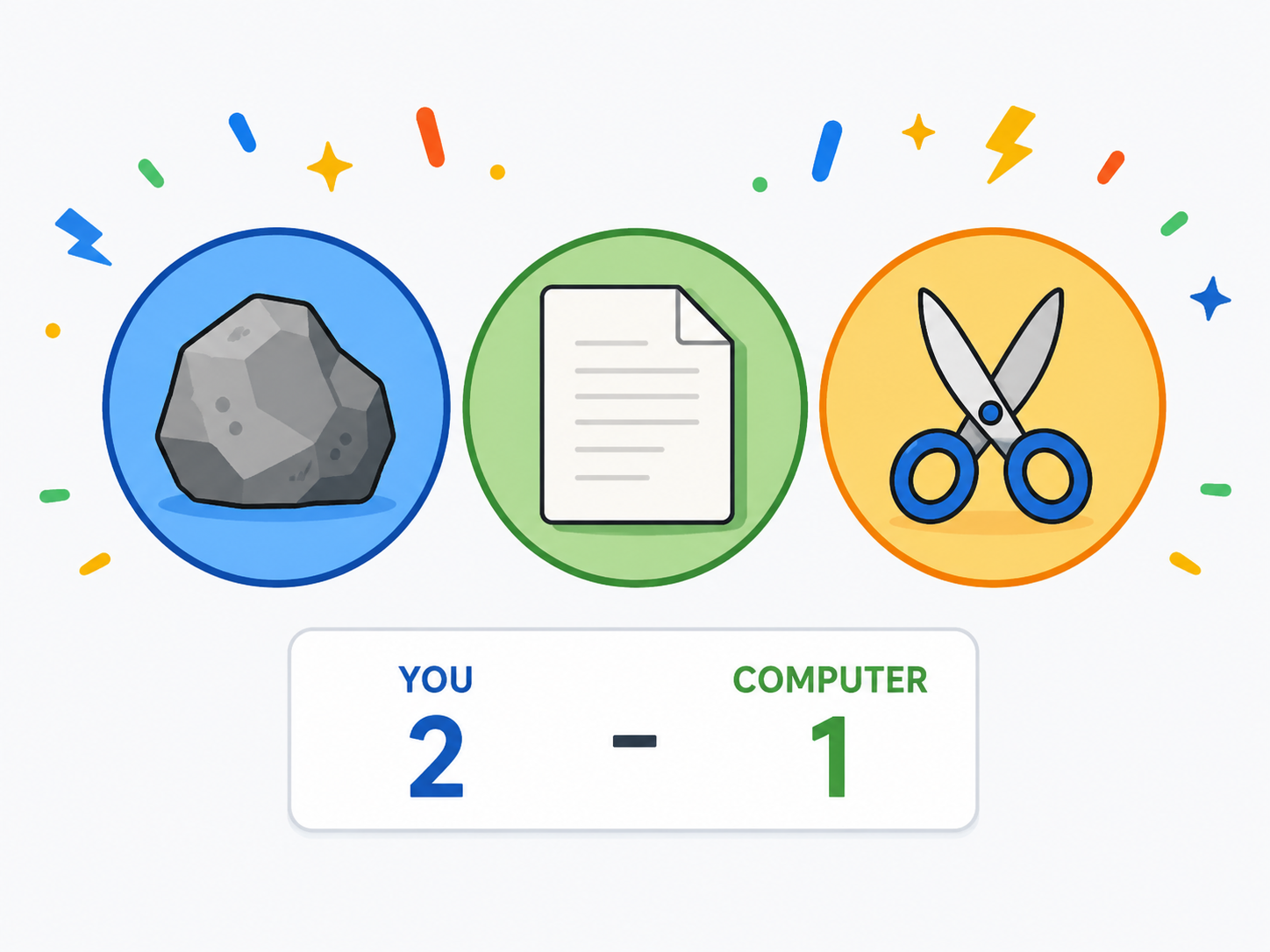
SelectedCreate a game of rock, paper, scissors against the computer. Validate the player's choice, keep a score for both sides and repeat rounds until one player reaches 10 points. Output the winner of each round and the final match winner.
Selected challenge
Write your first version by hand
Before opening your IDE, write your first attempt at this program on paper using Java. It does not need to be perfect.
TASK_CODE
Not marked complete. Mark it complete when your handwritten code is ready.
Open the challenge
Code Companion Local creates the starter file in the exact managed challenge folder and opens it in your preferred IDE. You do not need to create folders, files or run terminal commands.
Mark your handwritten code complete first.
If you are simply browsing the public course and are not using a class, complete the challenge in any editor you like. Code Companion Local is only needed for the connected classroom workflow.
Complete the challenge
Use your handwritten code as the starting point, then write and test your solution in the challenge workspace. Code Companion Local will ask you to compare the two versions before you submit.
Optional two-level scaffold
Try from your handwritten pseudocode first. Scaffold gives some structure; Scaffold + comments gives stronger guidance. Use only the level you need, and update your pseudocode first if the support changes your plan.