
Programming technique
Counted loops
A counted loop repeats a block a known number of times. In Java, a for loop usually combines the counter's starting value, continuation condition and update.
A counted loop repeats a block a known number of times. In Python, a for loop commonly takes each value produced by range().
The three parts of a for loop
Choose the values with range
int number = 1runs once before the loop begins.number <= 5is checked before each repetition.number++runs after each completed repetition.
range(1, 6)starts at 1.- The stop value 6 is excluded, so the generated values are 1 through 5.
numberreceives the next generated value before each repetition.
| Check | number | number <= 5 | Output |
|---|---|---|---|
| 1 | 1 | true | 1 |
| 2 | 2 | true | 2 |
| 3 | 3 | true | 3 |
| 4 | 4 | true | 4 |
| 5 | 5 | true | 5 |
| 6 | 6 | false | Loop stops |
The value 6 is still checked, but it never enters the loop body.
| Repetition | number | Output |
|---|---|---|
| 1 | 1 | 1 |
| 2 | 2 | 2 |
| 3 | 3 | 3 |
| 4 | 4 | 4 |
| 5 | 5 | 5 |
| Stop | No next value | Loop stops |
range(1, 6) never produces 6 because the stop value is excluded.
Accumulators
An accumulator stores a running total. Initialise it before the loop and update it inside the loop.
Trace the boundary values
Check the first counter value, the last value that enters the loop and the first value that fails the condition. This catches many off-by-one errors.
Check the first value, the last generated value and the excluded stop value. This catches many off-by-one errors.
Known repetitions
Use a counted loop when the number of repetitions is known before the loop starts.
Update the correct variable
Changing the wrong variable can create an infinite loop or incorrect output.
Choose range carefully
Remember that the stop value is excluded and an optional third argument controls the step.
Keep loop work focused
Only place statements inside the loop when they genuinely need to repeat.
Challenges Choose one
Choose a challenge that feels appropriate for you. Code heat is only a rough estimate, not a fixed level.
Square Numbers
SelectedOutput every whole number from 1 to 20 together with its square. Use one counted loop and make the output easy to read.
Times Table
SelectedAsk the user for a number from 1 to 12. Output that number's multiplication table from 1 to 12 using a counted loop.
FizzBuzz
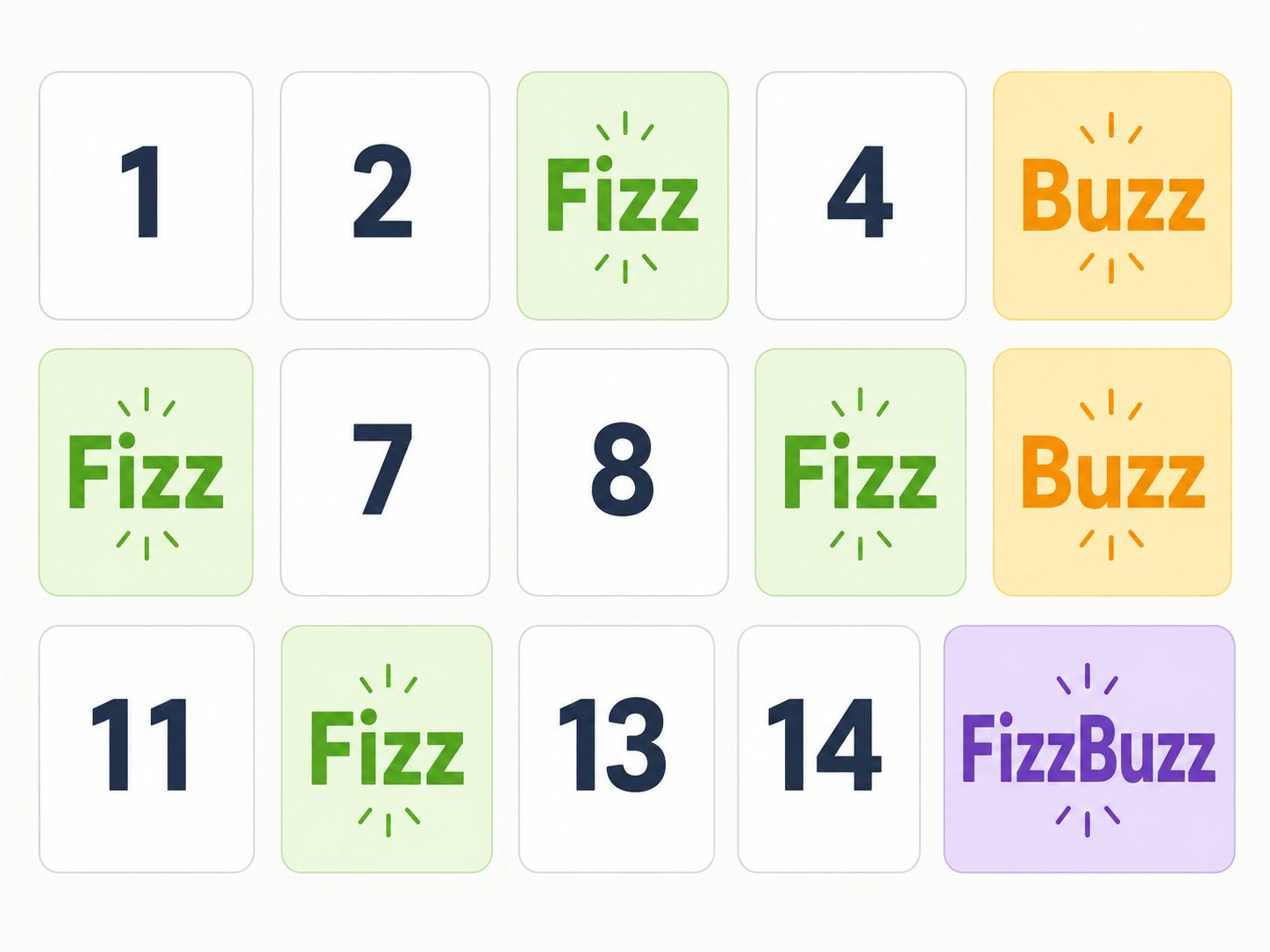
SelectedOutput the numbers from 1 to 100. Output Fizz for multiples of 3, Buzz for multiples of 5 and FizzBuzz for multiples of both. Ensure the combined case is tested before the individual cases.
ROT13
SelectedAsk the user for a line of text and apply the ROT13 substitution to every letter. Preserve spaces, punctuation and letter case. The same program should decode ROT13 text because applying ROT13 twice restores the original text.
Selected challenge
Write your first version by hand
Before opening your IDE, write your first attempt at this program on paper using Java. It does not need to be perfect.
TASK_CODE
Not marked complete. Mark it complete when your handwritten code is ready.
Open the challenge
Code Companion Local creates the starter file in the exact managed challenge folder and opens it in your preferred IDE. You do not need to create folders, files or run terminal commands.
Mark your handwritten code complete first.
If you are simply browsing the public course and are not using a class, complete the challenge in any editor you like. Code Companion Local is only needed for the connected classroom workflow.
Complete the challenge
Use your handwritten code as the starting point, then write and test your solution in the challenge workspace. Code Companion Local will ask you to compare the two versions before you submit.
Optional two-level scaffold
Try from your handwritten pseudocode first. Scaffold gives some structure; Scaffold + comments gives stronger guidance. Use only the level you need, and update your pseudocode first if the support changes your plan.